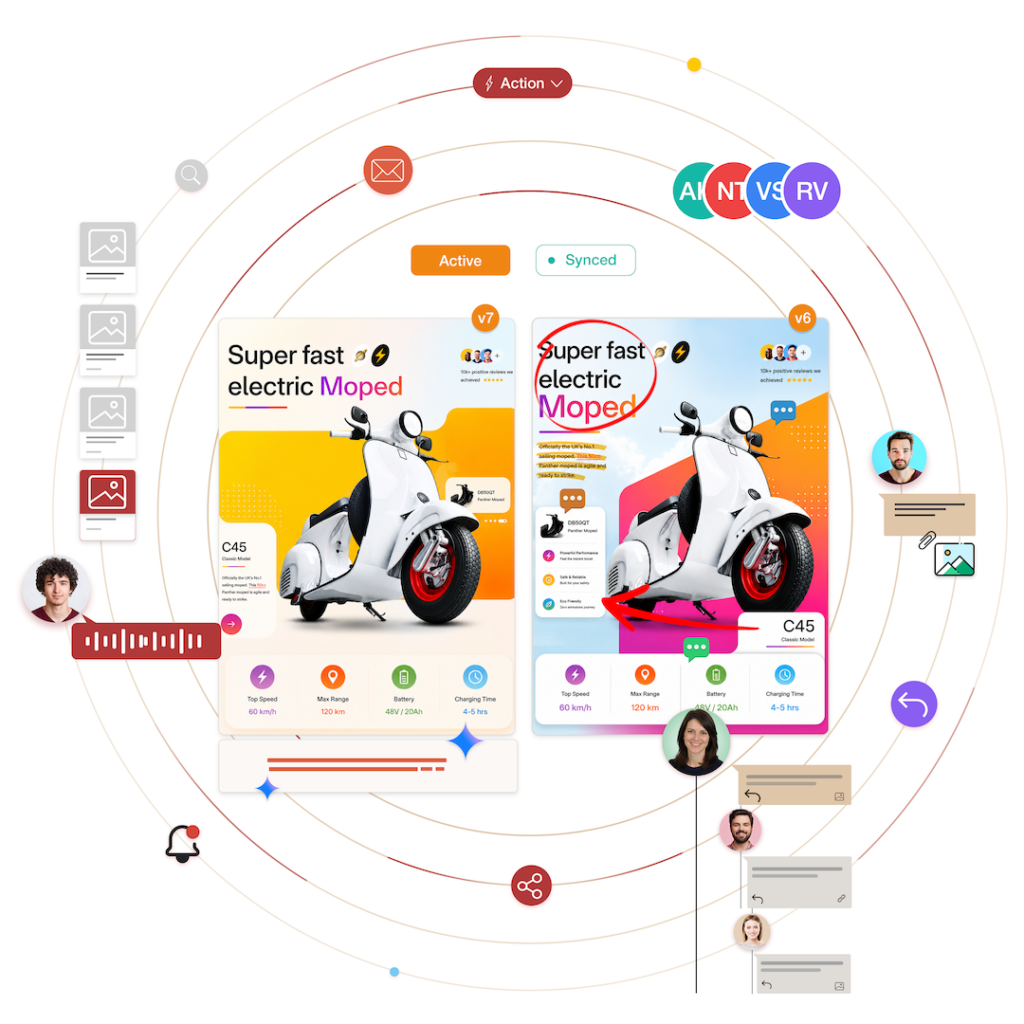
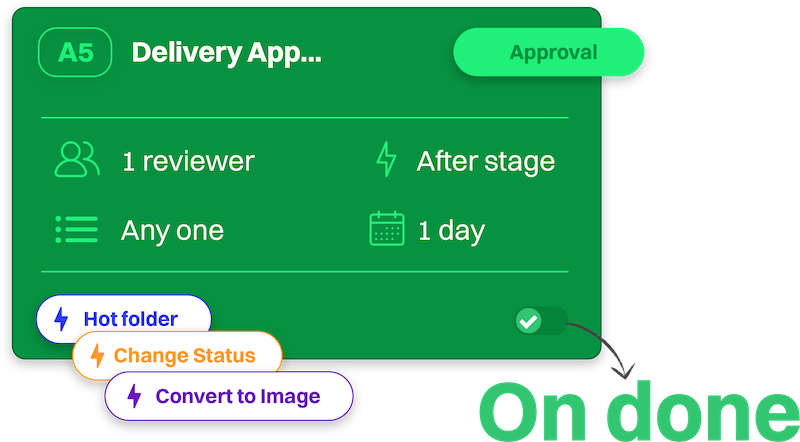
Eliminate manual tasks like format conversions, asset transfer, status updates—plus hundreds of custom background actions. Trigger them with a single click, or let edoro’s event-driven engine fire them automatically as your workflow shifts.
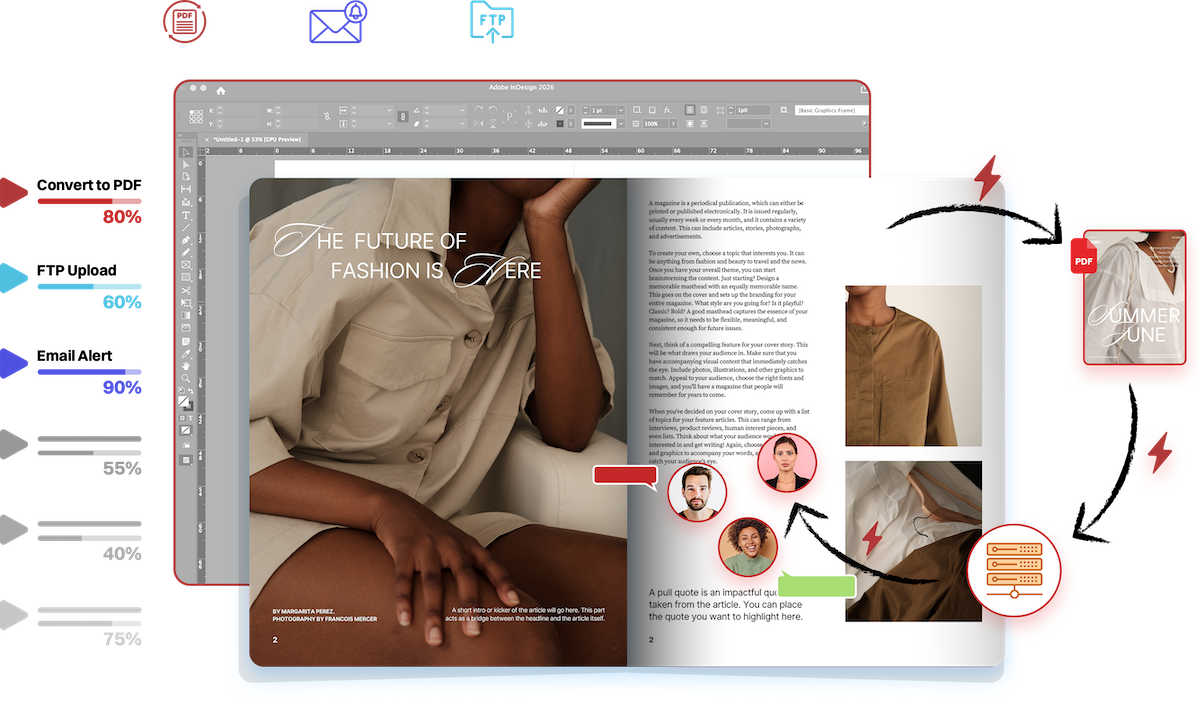
How Automated Actions Work
Built for speed, safety, and operational scale.
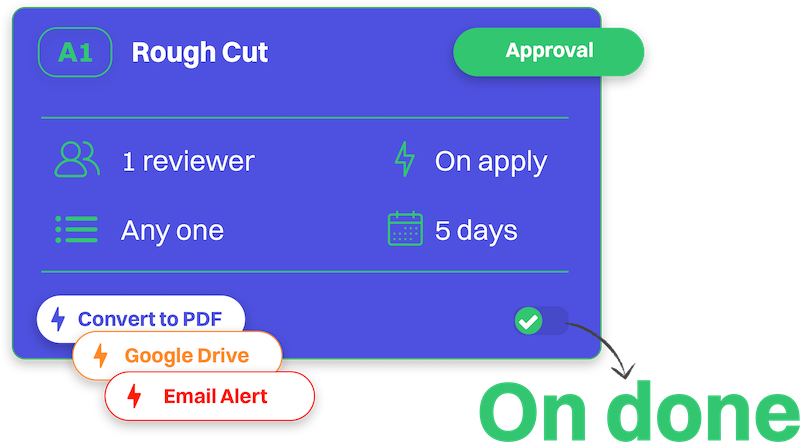
Trigger Event
Actions fire automatically on workflow events—like asset uploads, stage shifts, or manually with the press of a button.
Fires
Fires
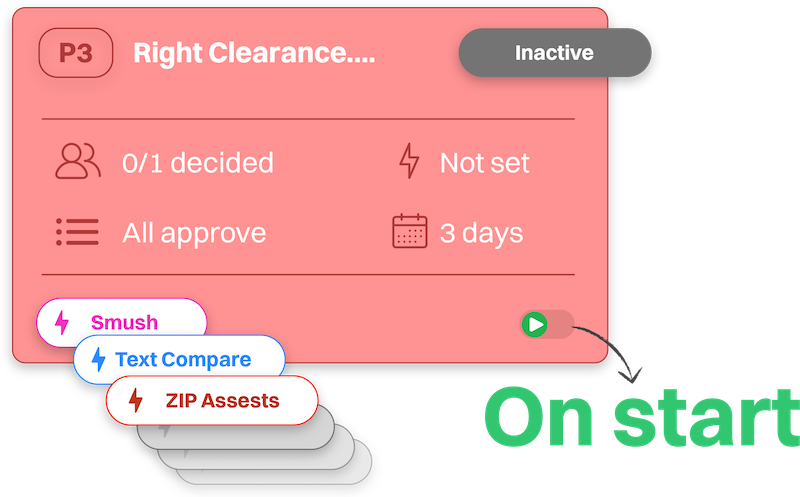
Background Action
Single or chained actions in the background without interrupting platform performance or manual user attention.
Fires
Fires
Downstream Execution
Files are converted, compressed, uploaded to external servers, or synchronized directly to connected enterprise tools.
Configurable, Preset-Driven Actions Catalog
Explore the plug-and-play action in edoro to trigger precise, specialized execution instantly.
Asset Level
Convert to PDF
Transforms DOCX manuscripts, presentations, and images into standardized, proof-ready PDF files using embedded LibreOffice engines.
Automate targeted outputs—from web-friendly drafts to print-ready masters with embedded fonts—eliminating format errors across all reviewers.
Asset Level
Convert to Image
Converts heavy source files (PDF, TIFF, PSD, AI, vector) into high-resolution, display-ready image formats.
Auto-tune color profiles and resolutions (e.g., 72 DPI web thumbs vs. 300 DPI CMYK proofs) for instant browser rendering without manual exports.
Asset Level
Smush / Image Compression
Compresses JPEG, PNG, and WebP assets using dedicated optimization engines to trim file size without compromising quality.
Enforce specific lossy or lossless compression ratios per channel, accelerating load times and reducing storage costs.
Asset Level
Ready to Text Compare
Prepares and extracts structured, machine-readable text layers from PDF revisions to enable instant side-by-side OCR comparisons.
Ensure accurate copy auditing, instantly highlighting punctuation shifts, dropped text, or font changes between versions.
Asset Level
FTP / SFTP Upload
Pushes approved assets directly to remote servers, print queues, or client web hosts via secure FTP/SFTP on stage triggers.
Enable zero-touch handoffs, routing approved artwork straight to external printers or staging servers automatically.
Asset Level
Hot Folder Processing
Copies assets to local network folders, polls return directories, and re-imports processed outputs as new asset versions.
Custom polling and naming presets bridge cloud workflows with local desktop tools, prepress preflight engines, and print queues.
Asset Level
Zip All Assets
Packages every asset in a project into a single, clean compressed archive and attaches it back to the project container as a master deliverable.
Bundle tailored multi-asset deliverables for clients or archives in one click.
Asset Level
Change Asset Status
Dynamically updates custom or standard status tags—such as “In Review,” “Approved,” or “Rework”—in response to workflow events.
Align status transitions with team-specific taxonomies, maintaining real-time pipeline visibility without manual tag updates.
Asset Level
Archive Asset
Automatically moves finalized or superseded assets into secure archive states when project milestones complete.
Apply retention rules and cold-storage permission flags, keeping active workspaces clean while ensuring compliance.
Asset Level
Send Email Notification
Send custom email alerts to additional stakeholders—such as vendor or off-platform executives—upon specific workflow triggers.
Notify any recipients with tailored messages and asset links, keeping all informed without cluttering team communications.
Asset Level
Webhook Trigger
Sends structured POST payloads of asset and project metadata to external HTTP endpoints with custom headers and authorization.
Reusable payload and auth presets seamlessly connect edoro event data directly into your CRMs, internal software, or iPaaS.
What We're Building Next
We are continuously expanding our library of automated actions. Check out the lineup below, vote on your favorites, or pitch your own automation to skip the line!
- Cast Your Vote
Upvote candidate actions to bump them up our engineering queue.
Audio Transcription & Subtitle Sync (SRT/VTT)
Automatically generate timecoded speech-to-text transcripts and closed-caption files for uploaded video and audio assets.
Automated Barcode & QR Code Validation
Automatically scan, decode, and validate EAN, UPC, QR, and ISBN barcodes on packaging and publication proofs upon upload.
Jira / Asana Issue Auto-Creation
Automatically generate linked tasks or sub-tickets in external PM platforms when an asset requires rework.
Slack & Microsoft Teams Channel Alerts
Broadcast stage closures, approval status updates, and reviewer mentions directly into designated team chat channels.
Dynamic Image & PDF Watermarking
Automatically overlay custom 'DRAFT', 'CONFIDENTIAL', or client-specific visual watermarks onto files during active review stages.
Direct Cloud Storage Sync (AWS S3 / Google Drive / Dropbox)
Automatically mirror approved assets directly into your enterprise cloud storage buckets upon milestone completion.
Automated Print Color Preflight (RGB to CMYK)
Automatically audit print files for RGB color space violations, DPI resolution thresholds, and spot color counts before press routing.
Edge CDN Cache Invalidation Trigger
Automatically purge Cloudflare, Fastly, or AWS CloudFront caches when a new asset version is approved and published.
Certified Digital Signature & Audit Export
Package cryptographic decision histories, reviewer timestamps, and electronic signature logs into tamper-proof PDF records upon project completion.
Automated Security & Malware Inspection
Run real-time security, virus, and executable macro scans on all incoming asset uploads before exposing them to canvas reviewers.
Automated WCAG Accessibility Preflight
Scan digital PDFs and web assets for color contrast ratios, font sizes, and screen-reader tag hierarchies prior to approval gates.
- Have an action request that isn't listed here?
Put your Actions on Autopilot.
Discover how edoro’s event-driven triggers and background actions can eliminate administrative friction across your creative operations.
Explore the Full Scope of What edoro can Do
From AI-driven preflights to automated workflow handoffs, dive into our complete suite of features designed to streamline your entire asset lifecycle.